Choose Relationship
Customer, Tenant, or Client prospect path so ownership, scope, and routing are established correctly.
Client / Tenant / Customer Prospect Registration
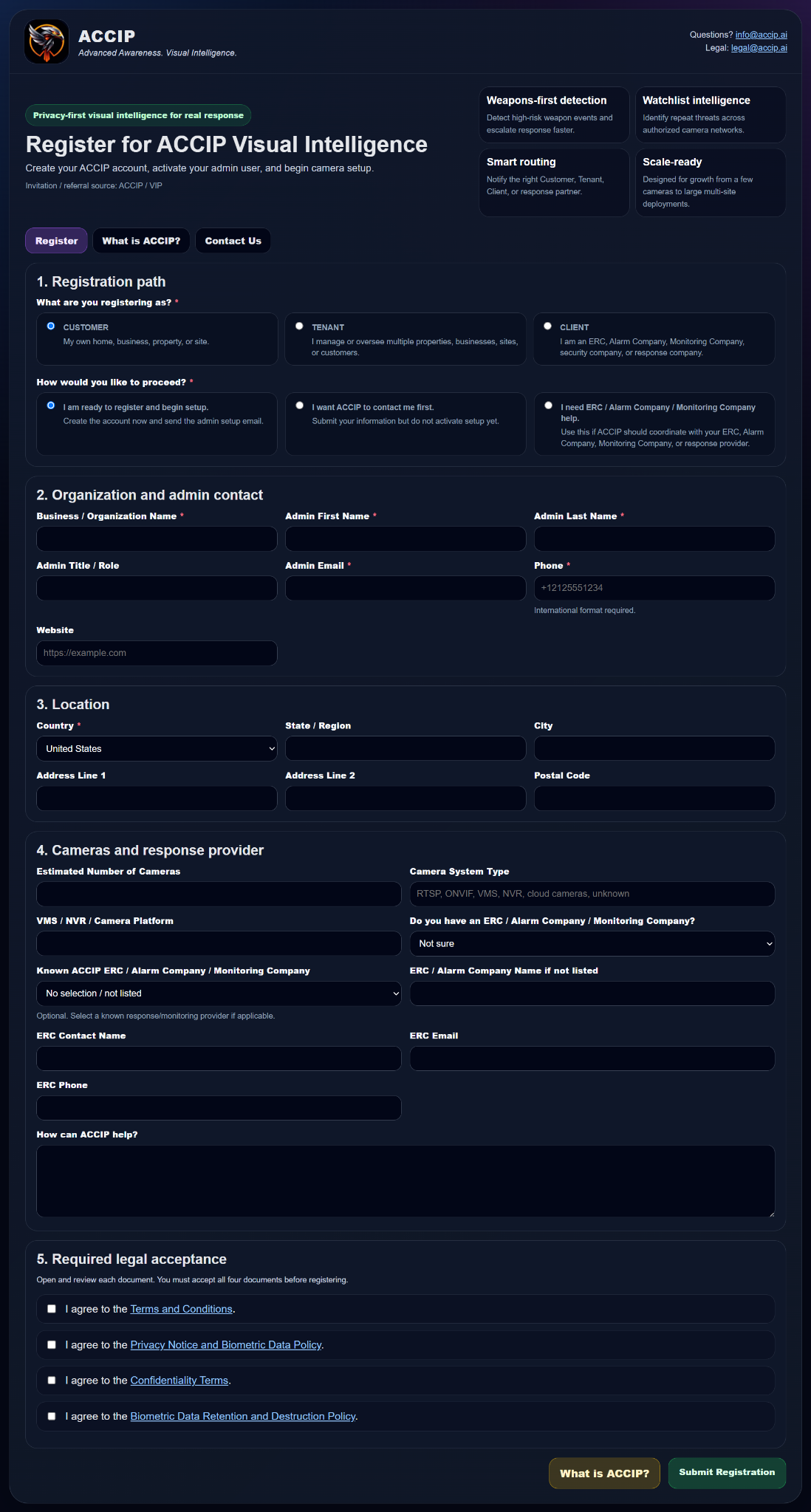
The public ACCIP registration flow captures organization type, readiness, camera environment, response-provider needs, location, admin contact information, and required legal acceptance so prospects can be routed into the correct account and setup path.
Customer, Tenant, or Client prospect path so ownership, scope, and routing are established correctly.
Camera systems, site location, response-provider relationship, and operational readiness.
Proceed to setup, request contact first, or request ERC / alarm / monitoring coordination help.
ACCIP / VIP aligns camera onboarding, users, permissions, policy profiles, Gateway, and support path.
Prospect Registration Experience
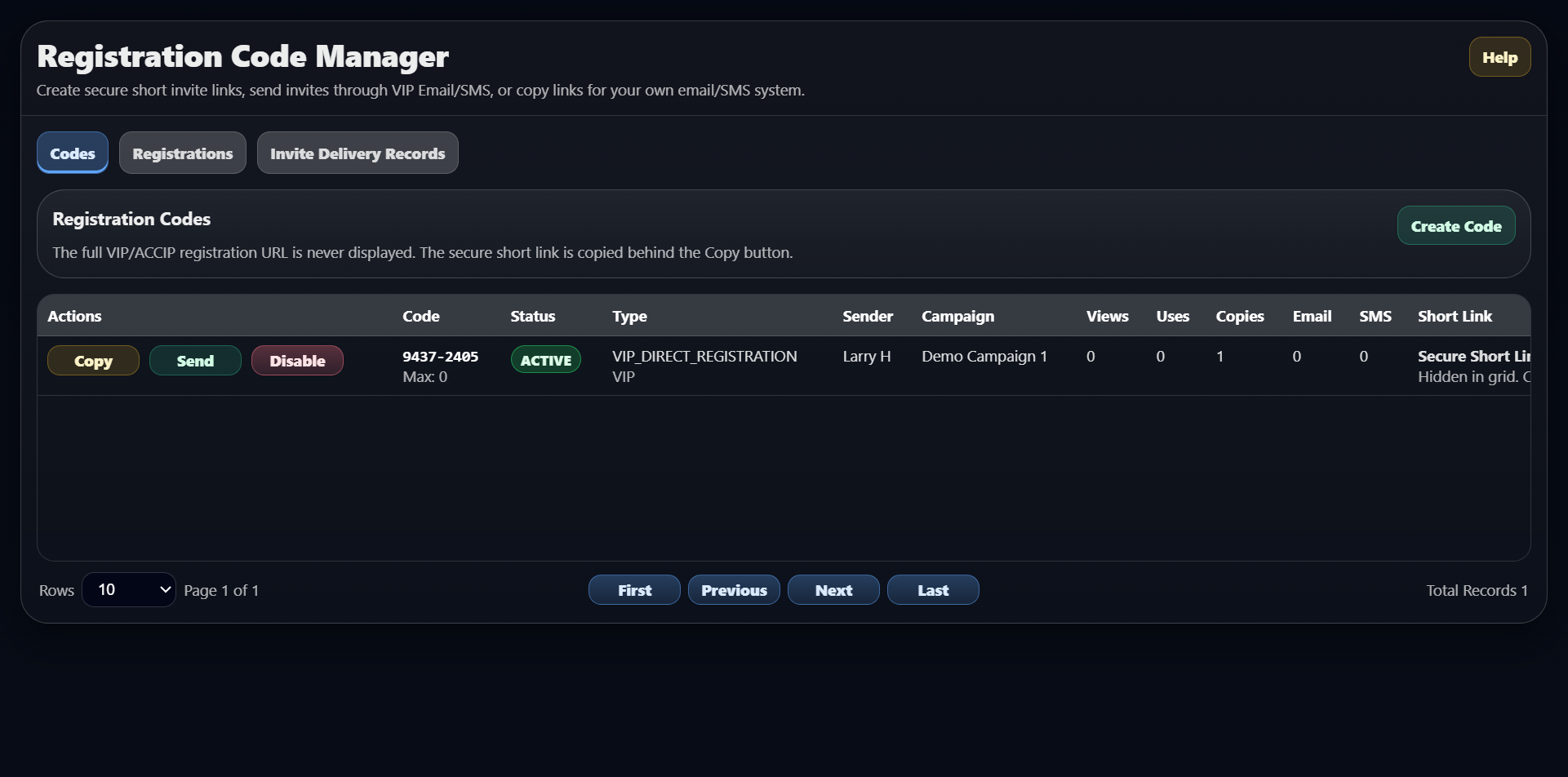
The prospect-registration path captures organization type, camera environment, response-provider needs, legal acceptance, and onboarding readiness. In parallel, ACCIP can manage invitation codes and secure short links so Client, Tenant, and Customer prospects enter the correct registration flow without friction.